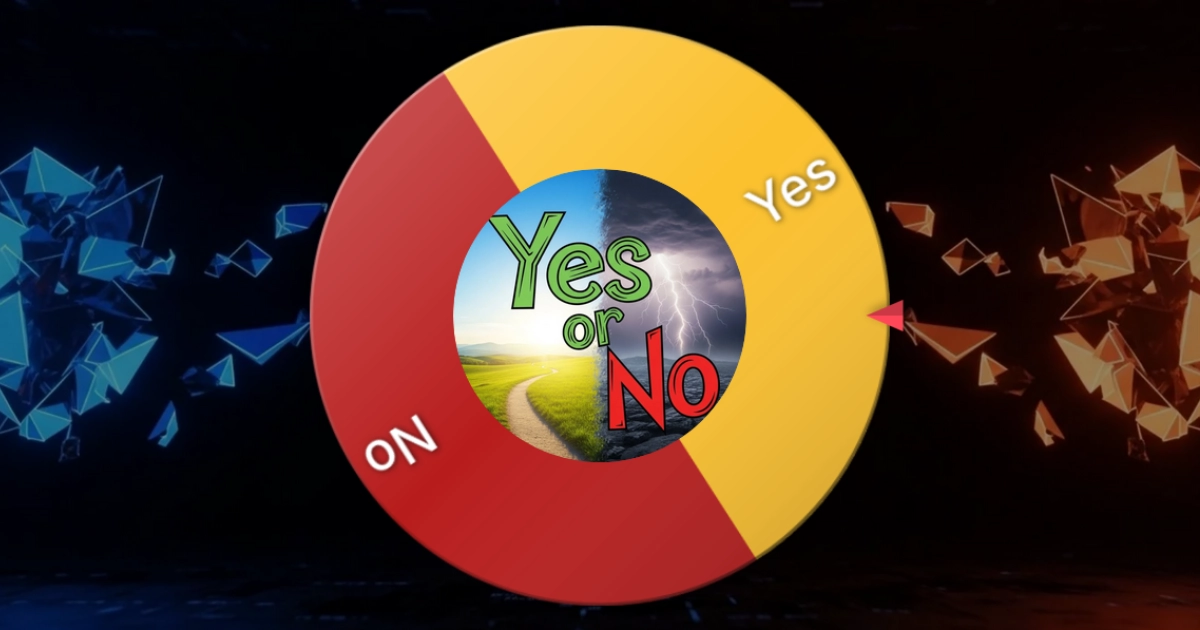
What Is a Yes or No Wheel?
It's the simplest decision-making tool you'll ever use. A spinning wheel with two slices — one says Yes, the other says No. You click it, it spins with a satisfying tick-tick-tick sound, slows down with realistic physics, and lands on your answer. No coins to flip, no apps to download, no friends to argue with.
People have been flipping coins for centuries to settle debates, but a digital spinner wheel is way more fun. There's actual anticipation while you watch it spin. There's the moment it starts slowing down and you're thinking "come on, come on..." And then it stops, confetti explodes, and the universe has spoken. It turns a boring binary choice into a mini event.
On WheelToChoose, the result isn't decided by some basic random function. It uses the Web Crypto API (crypto.getRandomValues) — the same cryptographic-grade randomness that protects your banking transactions. The outcome is determined before the animation starts, so there's zero way to rig it.
How to Make a Yes or No Wheel in 30 Seconds
Setting one up is embarrassingly easy. Here's the full walkthrough:
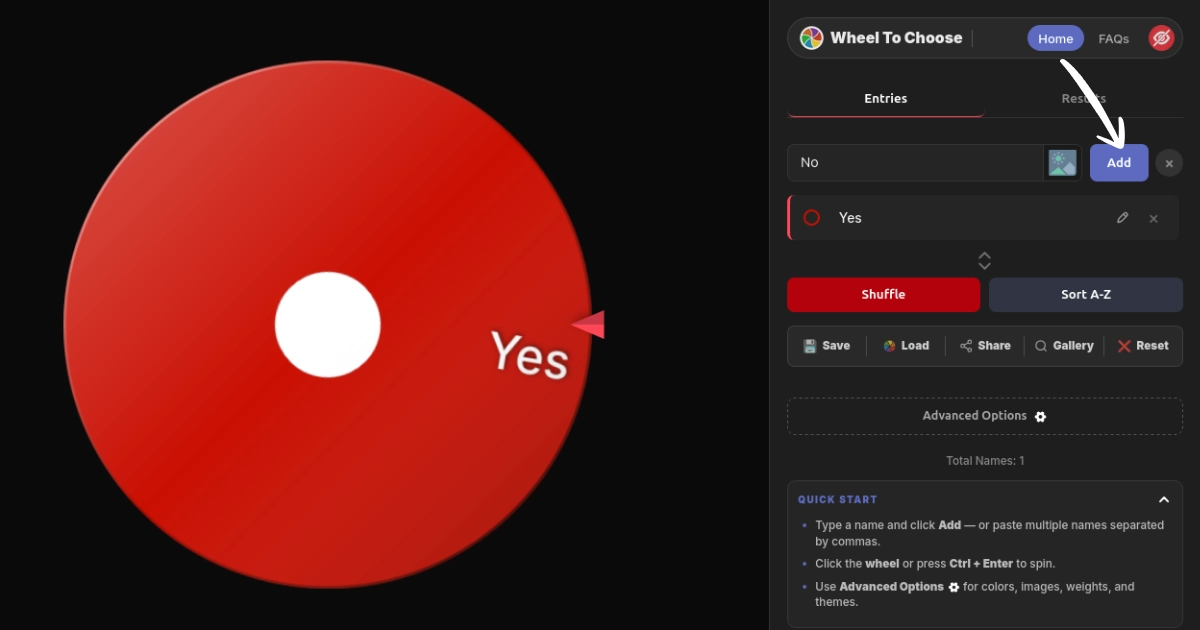
Open WheelToChoose.com
Works in any browser, on any device. No signup, no download, nothing to install.
Type "Yes" and Click Add
A slice appears on the wheel instantly. You can also paste comma-separated entries like Yes, No to add both at once.
Type "No" and Click Add
Now your wheel has two equal slices — a perfect 50/50 split ready to go.
Customize (Optional)
Change colors, add more options like "Maybe," enable weighted odds, or set a custom title. More on this below.
Click the Wheel or Press Ctrl + Enter
Watch the physics-based animation, hear the ticking, and get your answer with confetti and sound effects. Done.
Use the Yes/No template on the homepage — click Show Wheel Templates at the bottom of the page and select the Yes/No card. It loads both entries instantly with pre-set colors.
How to Customize Your Yes or No Wheel
A basic 50/50 wheel works great, but WheelToChoose lets you go way deeper. Here's every customization option that matters:
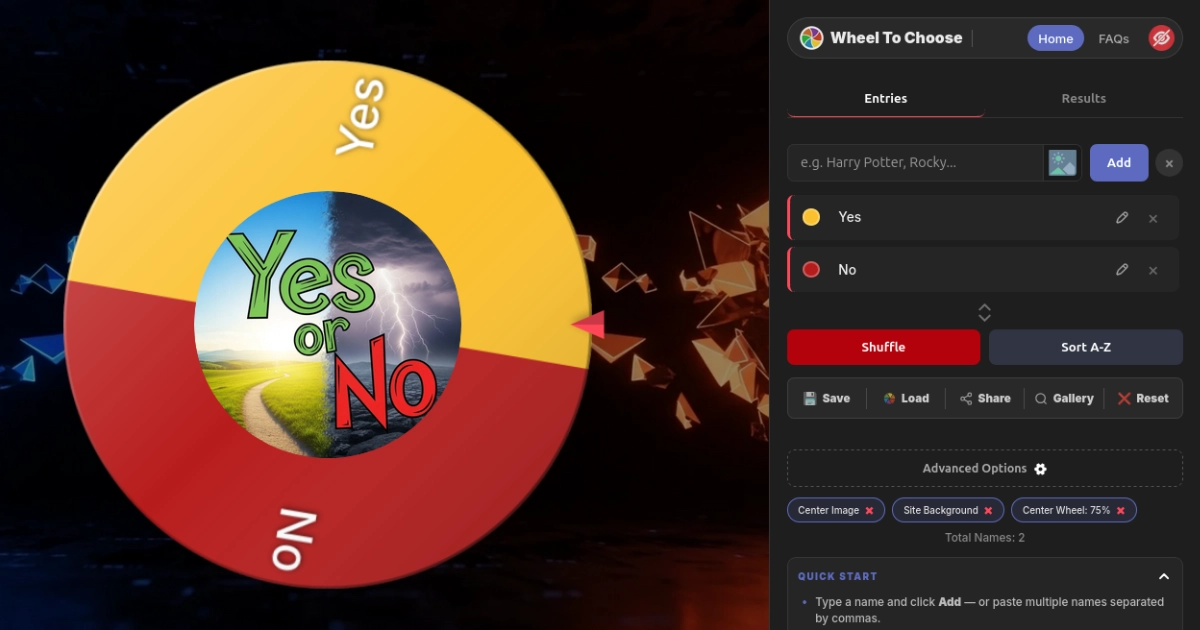
Custom Slice Colors
Click the color dot next to any entry to open the full hex picker. Classic setup: green for Yes, red for No. Instantly readable.
Weighted Slices
Enable in Advanced Options. Set Yes to 75 and No to 25 for a 75% chance. The slice sizes visually match the math.
Slice Images
Upload a thumbs-up on Yes and thumbs-down on No. Images display inside the slices and scale automatically.
Winner Sounds
Choose from 10 sounds — Default, Applause, Fanfare, Bell, Ta-da!, Air Horn, Cheer, Magic, Game, and You Win.
Themes & Modes
Three color themes (Default, Neon, Gold), plus light and dark mode. Great for projectors or stream overlays.
Save & Load
Download a portable .Wheel file with everything. Reload it on any device, any time. Your config also auto-saves to local storage.
Weighted slices are perfect for those moments where you've basically already decided but want the universe to confirm it. At least this way you're being honest about the bias instead of just spinning again until you get the answer you wanted.
Yes or No Wheel vs. Other Methods
There are plenty of ways to make a binary decision. Here's how a spinner wheel compares:
| Feature | Coin Flip | Ask a Friend | Yes/No Wheel |
|---|---|---|---|
| Truly Random | ~Fair | ✗ Biased | ✓ Crypto RNG |
| Weighted Odds | ✗ | ✗ | ✓ 1–100 Scale |
| More Than 2 Options | ✗ | Sort of | ✓ Unlimited |
| Fun / Visual | Minimal | Depends | ✓ Animations + Sound |
| Group Friendly | ✗ | Sort of | ✓ Share / Project |
| Saveable / Reusable | ✗ | ✗ | ✓ .Wheel Files |
Where People Actually Use Yes or No Wheels
You might think it's just a novelty, but a Yes or No wheel shows up in way more places than you'd expect.
Personal Decisions
Should I work out? Buy that thing? Order in? End the overthinking loop in 3 seconds.
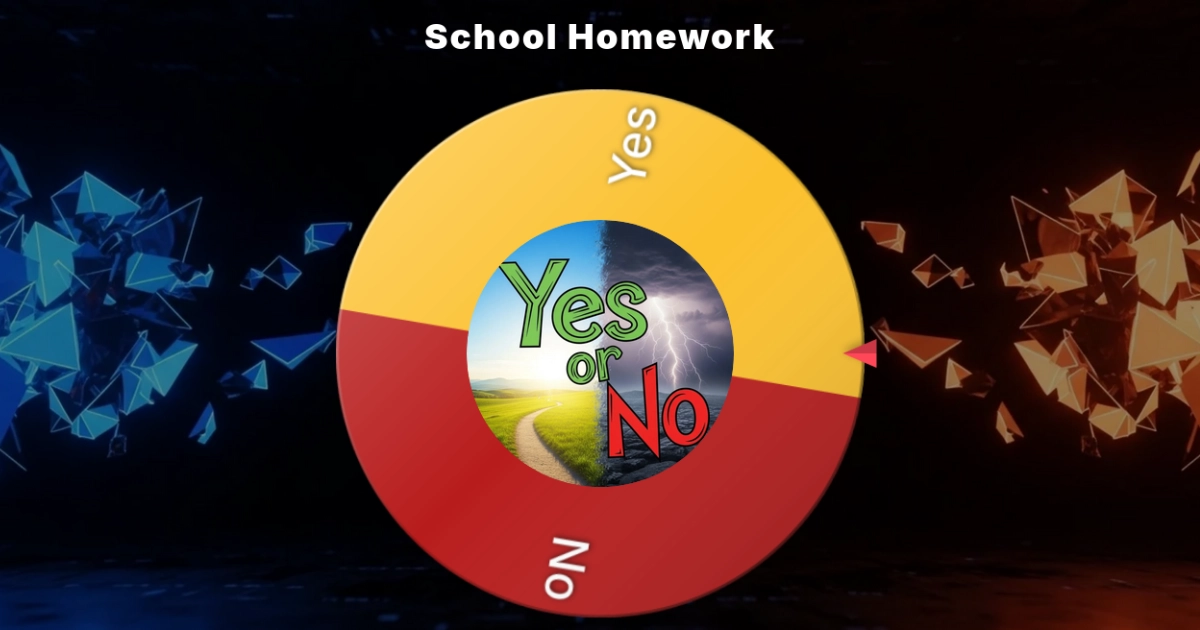
Classrooms
Quick class polls, recess votes, and activity picks — fair, fast, and kids love watching it spin.
Live Streaming
Accept the dare? Play another round? Chat goes wild watching the wheel. Use Stream Mode for a clean OBS overlay.
Team Meetings
Push the meeting to Friday? Order lunch? Cuts through circular discussion in 5 seconds flat.
Couples & Friends
The eternal "where should we eat" standoff — finally settled. Install the PWA for one-tap access.
Parents & Families
Chore assignments, game night picks, weekend plans — fun and fair for all ages.
Here's something interesting: when the wheel gives you an answer and you immediately feel disappointed, you've actually learned what you really wanted. The wheel doesn't just make the decision — it reveals your preference. Pretty clever for a spinning circle.
Beyond Yes and No — Expand Your Wheel
Nobody said you're stuck with just two options. Type in "Maybe," "Ask Later," "Only on Weekends," or literally anything else. The wheel adjusts automatically to give each option its own slice. Combine this with weighted slices and custom colors and you've got a fully personalized decision engine that handles anything from two choices to two hundred.
You can also share your wheel with anyone. Click Share to generate a unique link, or publish it to the Community Gallery so other people can discover and spin it. Built-in buttons send it directly to WhatsApp, Facebook, X, or Snapchat.
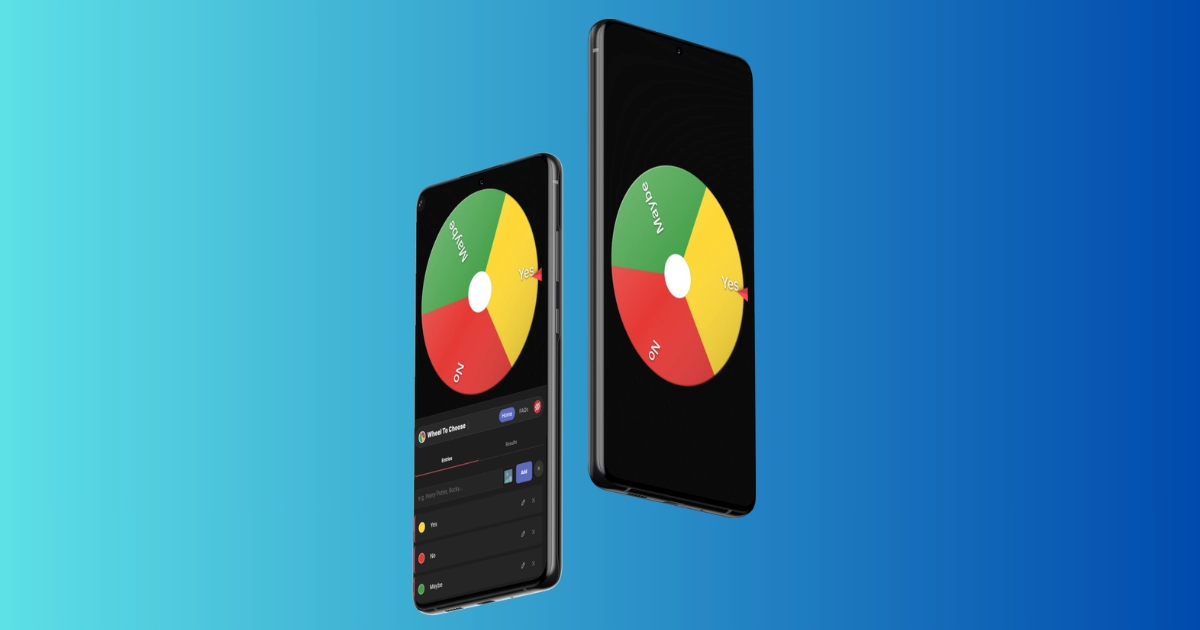
WheelToChoose is also a Progressive Web App — install it to your home screen on any device for an app-like experience without an app store. It works on Chrome, Safari, Firefox, and Edge across iOS, Android, Windows, and macOS. Your entries and settings persist in local storage, so everything is right where you left it next time you open it.
Frequently Asked Questions
Is the Yes or No wheel truly random?
Yes. WheelToChoose uses the Web Crypto API (crypto.getRandomValues) — the same cryptographic-grade randomness used in encryption. The result is determined before the animation even starts, so there's zero way to influence it by timing your click.
Can I make Yes more likely than No?
Yes. Enable Weighted Slices in Advanced Options and set a higher weight for Yes. For example, Yes at 75 and No at 25 gives you a 75% chance of landing on Yes. The slice sizes visually adjust to match the odds.
Can I add more options like Maybe or Ask Later?
Absolutely. Type any additional option into the input field and click Add. The wheel automatically adjusts to include all your entries with equal or weighted probability.
Does it work on phones and tablets?
Yes. WheelToChoose is a fully responsive Progressive Web App tested on Chrome, Safari, Firefox, and Edge across iOS, Android, Windows, and macOS. Install it to your home screen for an app-like experience — no app store needed.
Can I save my Yes or No wheel for later?
Yes. Click Save to download a .Wheel file with all your entries, colors, weights, and settings. Load it anytime on any device to restore your exact setup. Your data also auto-saves to browser local storage between sessions.
The Bottom Line
A Yes or No wheel is the simplest tool on the internet, and that's exactly what makes it great. No features to figure out, no accounts to create, no tutorials to sit through. You type two words, click a wheel, and get your answer — with confetti, sound effects, and everything.
It won't help you decide whether to quit your job or move to another country (please use actual judgment for those). But for the thousand little choices that slow you down every day, it's perfect. Next time you're stuck in a "should I or shouldn't I" loop, give the wheel a spin. Worst case, you ignore it and do what you wanted anyway. Best case, you save ten minutes of deliberation and get on with your life.
Try the Yes or No Wheel Right Now
Add "Yes" and "No," spin, and get your answer in five seconds.
Open WheelToChoose Free · No signup · Works on any device Open WheelToChoose